
The Complete Guide for Commercial Office Space Design
Modern commercial office space design is evolving rapidly. Businesses now focus on efficiency, comfort, and flexibility. Smart devices are becoming essential in daily operations. They help connect spaces and improve management. This guide explains how to design smarter offices with integrated solutions from 4C.
The Evolution of Commercial Space Design
Commercial office design has changed significantly over time. Traditional offices focused on fixed layouts and basic functions. Today, spaces are more flexible and user-centered. Technology is now part of the design process. Smart devices support both operations and security. This shift creates safer, more efficient, and more adaptive work environments.
What is Modern Commercial Office Space Design?
Commercial space design combines layout planning and technology integration. It focuses on how people use space and interact with it. Key elements include space planning, smart systems, and user comfort. Modern design also considers flexibility and future needs. 4C solutions help connect these elements into one system.
Key Principles of Commercial Office Space Design
Effective office design follows several core principles. These principles improve workflow, comfort, and efficiency. They also prepare the space for future changes.
Space Planning & Layout Optimization
Good layout improves movement and workflow. Open areas and private zones should be balanced. Efficient use of space increases productivity.
Flexibility & Scalability
Office spaces should adapt to business growth. Modular layouts allow easy changes. This reduces renovation costs in the future.
Employee Comfort & Productivity
Comfort affects performance. Lighting, temperature, and ergonomics are important. A better environment improves focus and satisfaction.
Technology Integration
Smart systems are now essential. Devices should connect and work together. 4C provides integrated solutions for seamless control.
Role of Smart Devices in Commercial Space Design
Smart devices play a key role in modern office design. They improve security, comfort, and daily operations. Different devices serve different functions across the workspace. When integrated, they create a smarter and more efficient environment. 4C connects these devices into one system for better control and performance.
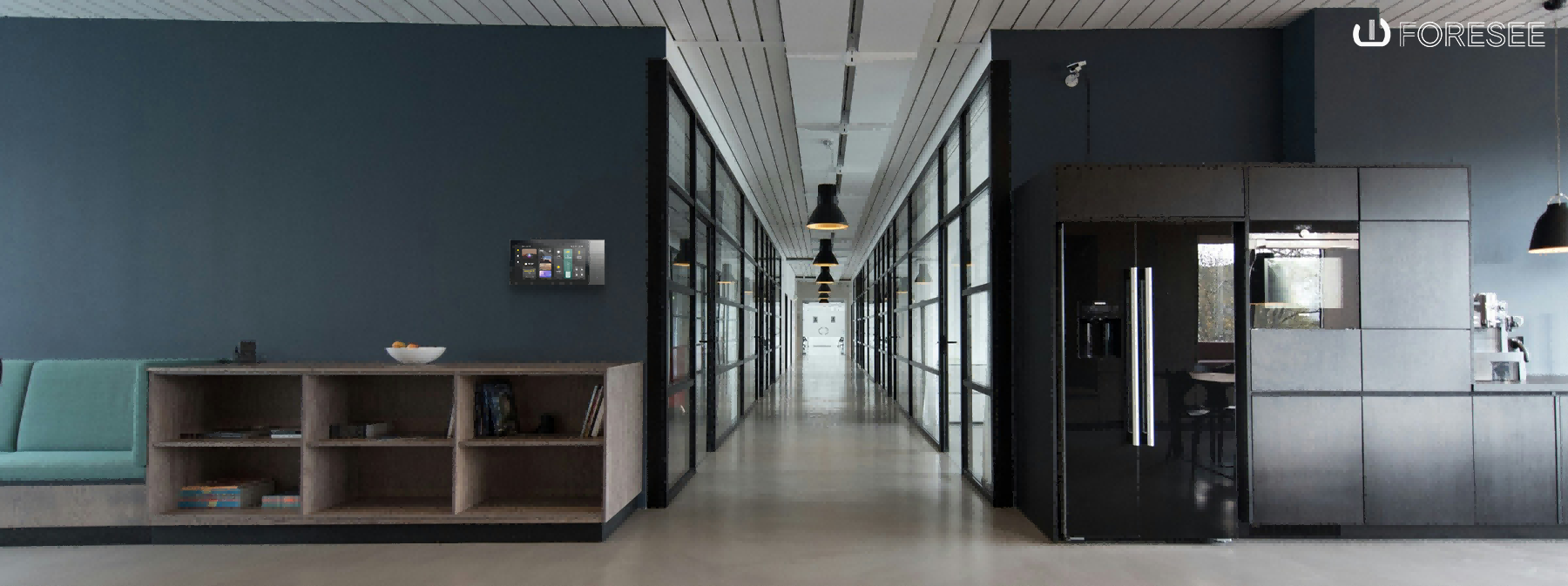
Touch control panels are used in meeting rooms and reception areas. They allow users to control lighting, climate, and devices from one screen. This simplifies operations and improves efficiency.
Smart locks and access control systems protect office spaces. They are used in entrances and restricted areas. They prevent unauthorized access and track entry records. This improves security and management.
Surveillance systems monitor key areas in real time. Cameras detect unusual activity and send alerts. These systems improve safety and response speed.
Sensors and automation devices adjust lighting and climate automatically. They respond to occupancy and environmental changes. This reduces energy waste and improves comfort.
Smart Devices Overview
|
Device |
Application |
Key Benefit |
|
Touch Panels |
Meeting rooms, reception |
Easy control |
|
Smart Locks |
Entrances, offices |
Security |
|
Cameras |
Public areas |
Monitoring |
|
Sensors |
Workspace |
Efficiency |
Smart Office Design by Functional Area
Smart office design focuses on how each area is used. Different spaces require different smart solutions. Devices are selected based on function, user needs, and workflow. When integrated, they improve security, comfort, and efficiency. 4C systems connect all areas into one unified and easy-to-manage platform.
Smart Workspace
Workspaces are designed for daily productivity and comfort. Smart devices help create a stable and efficient environment.
Key Devices:
- Smart lighting systems
- Occupancy and light sensors
- Climate control systems
Functions:
- Adjust lighting based on occupancy and time
- Maintain consistent temperature and air quality
- Reduce unnecessary energy usage
Benefits:
- Improve employee comfort and focus
- Reduce eye strain and fatigue
- Increase productivity
- Lower energy costs
Smart Meeting Room Design
Meeting rooms require flexibility and easy control. Smart systems simplify meeting setup and improve collaboration.
Key Devices:
- Touch control panels (4C central control)
- Smart lighting and dimming systems
- Audio & video integration systems
Functions:
- One-touch control for lighting, screens, and devices
- Pre-set meeting modes (presentation, discussion, video call)
- Scheduling system integration
Benefits:
- Save setup time
- Improve meeting efficiency
- Enhance user experience
- Support modern hybrid work
Smart Office & Private Area Design
Private offices and restricted areas need higher security and control. Smart systems ensure safe and controlled access.
Key Devices:
- Smart locks (card, password, mobile access)
- Access control systems
- Optional monitoring systems
Functions:
- Control and limit access to authorized users
- Track entry and exit records
- Integrate with security systems
Benefits:
- Protect sensitive data and assets
- Improve security management
- Provide access tracking and accountability
Smart Entrance & Reception Area
Entrance areas are the first point of contact. They must be secure, efficient, and professional.
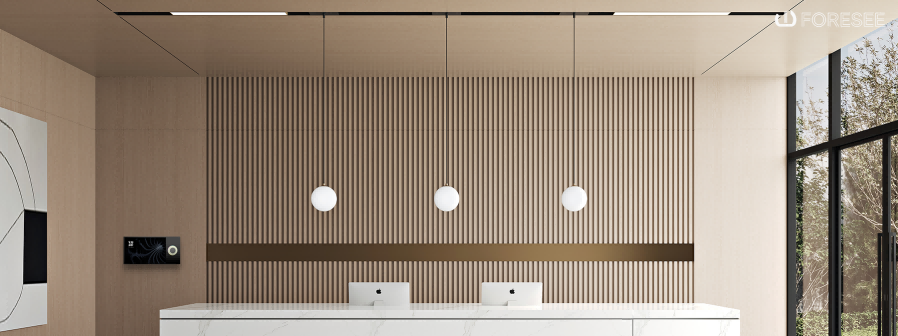
Key Devices:
- Surveillance cameras
- Smart locks and access systems
- Sensors (motion, presence detection)
- Touch panels for visitor control
Functions:
- Monitor visitors in real time
- Control entry permissions
- Automate door and lighting systems
Benefits:
- Enhance building security
- Improve visitor management
- Create a modern and professional image
- Reduce manual front desk workload
Functional Area Overview Table
|
Area |
Key Devices |
Core Function |
Main Benefit |
|
Workspace |
Lighting, sensors, climate |
Auto adjustment |
Comfort & productivity |
|
Meeting Room |
Touch panels, AV systems |
Central control |
Efficiency |
|
Private Office |
Smart locks, access control |
Secure access |
Safety |
|
Entrance |
Cameras, sensors, locks |
Monitoring & control |
Security & image |
Each office area has different functional needs. Smart devices are selected to match those needs. When integrated, they improve both user experience and building performance. With 4C solutions, all systems work together seamlessly, creating a smarter and more efficient office environment.
Smart System Integration Strategy
Smart systems should work together as one platform. This improves efficiency and simplifies management. 4C provides integrated solutions for full building control.
|
System |
Function |
Result |
|
Lighting System |
Auto adjustment |
Comfort |
|
Access Control |
Secure entry |
Safety |
|
Surveillance |
Monitoring |
Risk control |
|
Sensors |
Automation |
Efficiency |
Design Considerations
When designing commercial office spaces, several factors should be considered:
- Plan smart systems early in the project
- Ensure compatibility between devices
- Focus on scalability for future needs
- Keep systems simple and easy to use
- Work with reliable providers like 4C
These steps ensure a smooth and future-ready design.
Benefits of Smart Commercial Office Design
Smart office design improves security and control. It enhances comfort and user experience. It reduces energy use and operating costs. It increases efficiency and productivity. It also supports better management through data. These advantages make smart offices a clear upgrade from traditional spaces.
Commercial office space design is moving toward smarter solutions. Smart devices improve security, comfort, and efficiency. Integrated systems make management easier. 4C Global provides reliable smart office solutions for modern projects. These systems help create flexible and future-ready workplaces. Contact 4C to explore customized solutions for your commercial space.